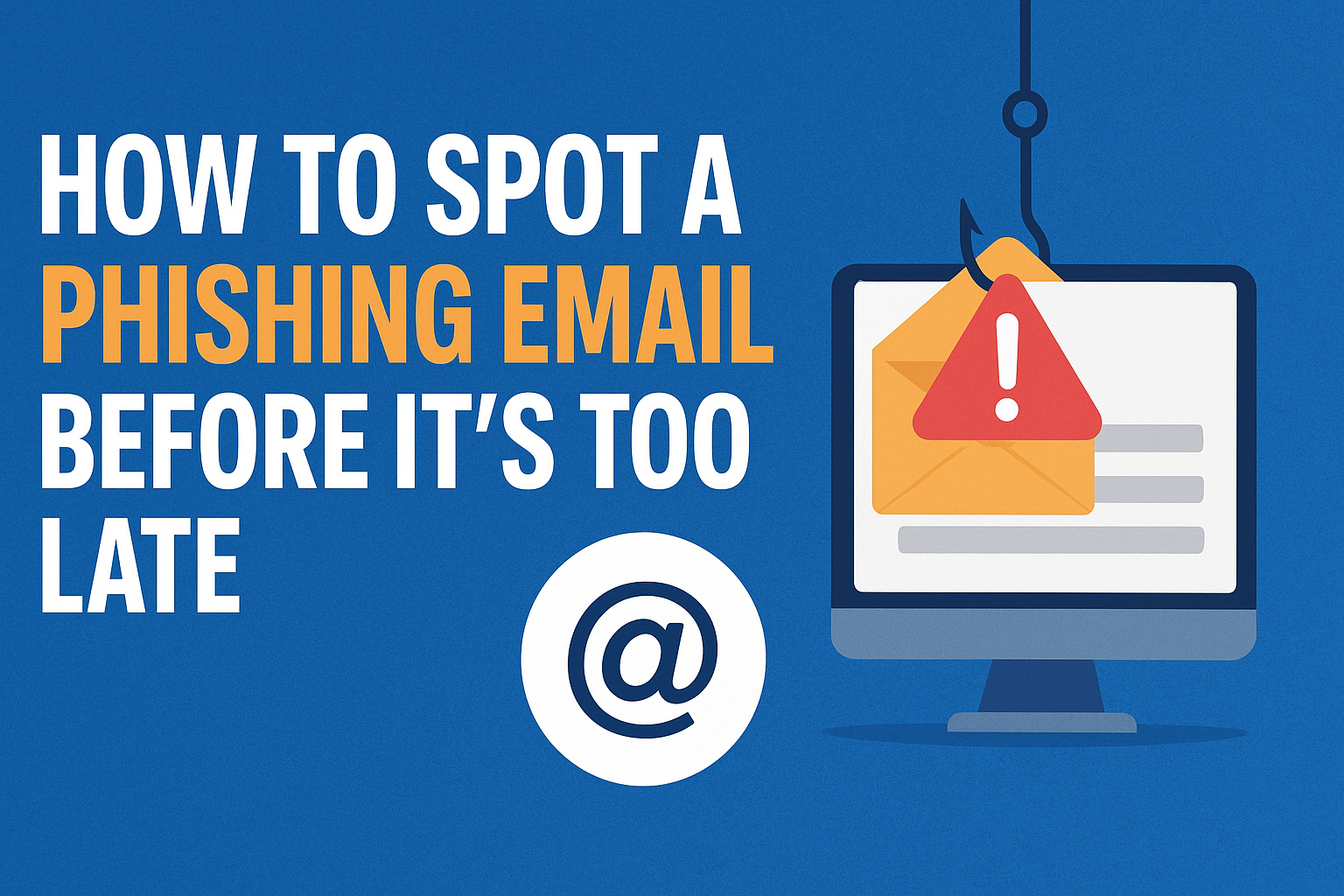
Phishing emails are one of the most common tricks hackers use to steal personal data, passwords, and even money. These emails look like they come from trusted companies, but in reality, they are designed to fool you. Learning how to spot a phishing email before it’s too late is an essential skill for anyone using email in 2025.
Check the Sender’s Email Address
Phishing emails often come from addresses that look similar to official ones but have small differences. For example, instead of [email protected], you might see [email protected]. Always inspect the sender’s email carefully.
Look for Urgent or Scary Language
Scammers try to pressure you by saying your account will be locked, or you need to act immediately. Real companies rarely use this kind of language. If an email feels too urgent or threatening, it’s likely a scam.
Hover Over Links Before Clicking
Phishing emails often contain links that look legit but lead to fake websites. Hover your mouse over the link to see where it really goes. If the URL looks suspicious or doesn’t match the company’s official website, don’t click it.
Check for Grammar and Spelling Errors
Professional companies usually proofread their emails. If you see awkward grammar, misspelled words, or strange phrasing, that’s a red flag for a phishing attempt.
Beware of Unexpected Attachments
Phishing emails may contain attachments that install malware on your device. Never download or open files from unknown or suspicious senders.
Verify Through Official Channels
If you’re unsure about an email, don’t reply or click anything. Instead, contact the company directly using their official website or customer support. This way, you can confirm if the email is real or fake.
Final Thoughts
Phishing emails are getting smarter in 2025, but so can you. By checking the sender’s address, avoiding urgent traps, inspecting links, and verifying through official channels, you can protect yourself from falling victim to scams. Always think twice before you click.
#PhishingEmail #EmailSecurity #CyberSecurity #OnlineSafety #PhishingScam #ProtectYourData #InternetSafety #EmailTips #CyberAwareness #StaySafeOnline